
Automate. Enhance.
Own the next move.
One Windows platform for visual automation, MMO rotation workflows, AI Aim Assist, Capture, model discovery, and a connected script marketplace.

 FPS
Apex Legends
FPS
Apex Legends
 FPS
Battlefield 2042
FPS
Battlefield 2042
 FPS
Counter-Strike 2
FPS
Counter-Strike 2
 MMORPG
Final Fantasy XIV Online
MMORPG
Final Fantasy XIV Online
 MMORPG
Guild Wars 2
MMORPG
Guild Wars 2
 Action MMORPG
Lost Ark
Action MMORPG
Lost Ark
Real software.
Built around real workflows.
These are actual NextMove screens from the current desktop build — the same workspaces users open, configure, record, test, and run.
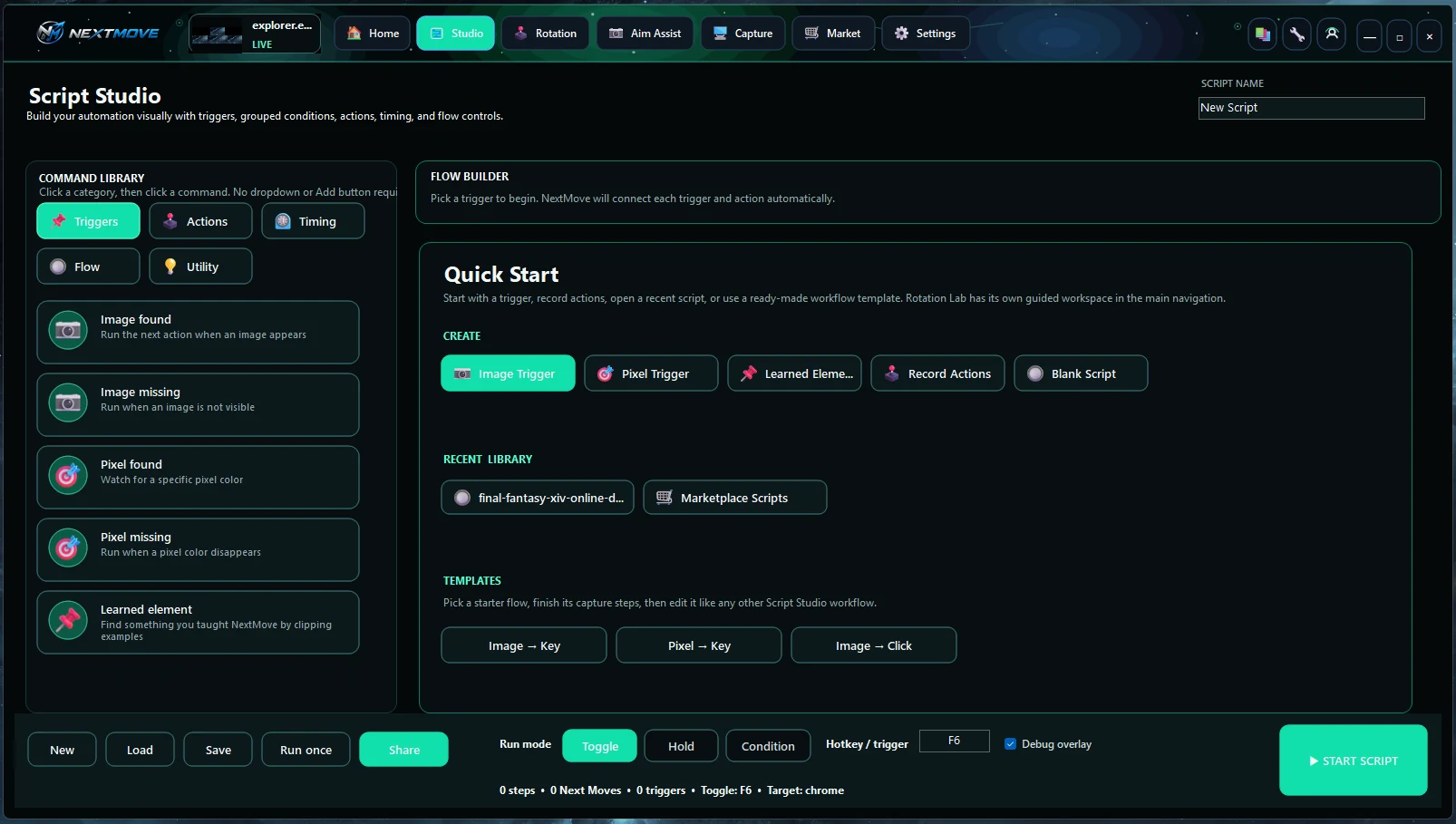
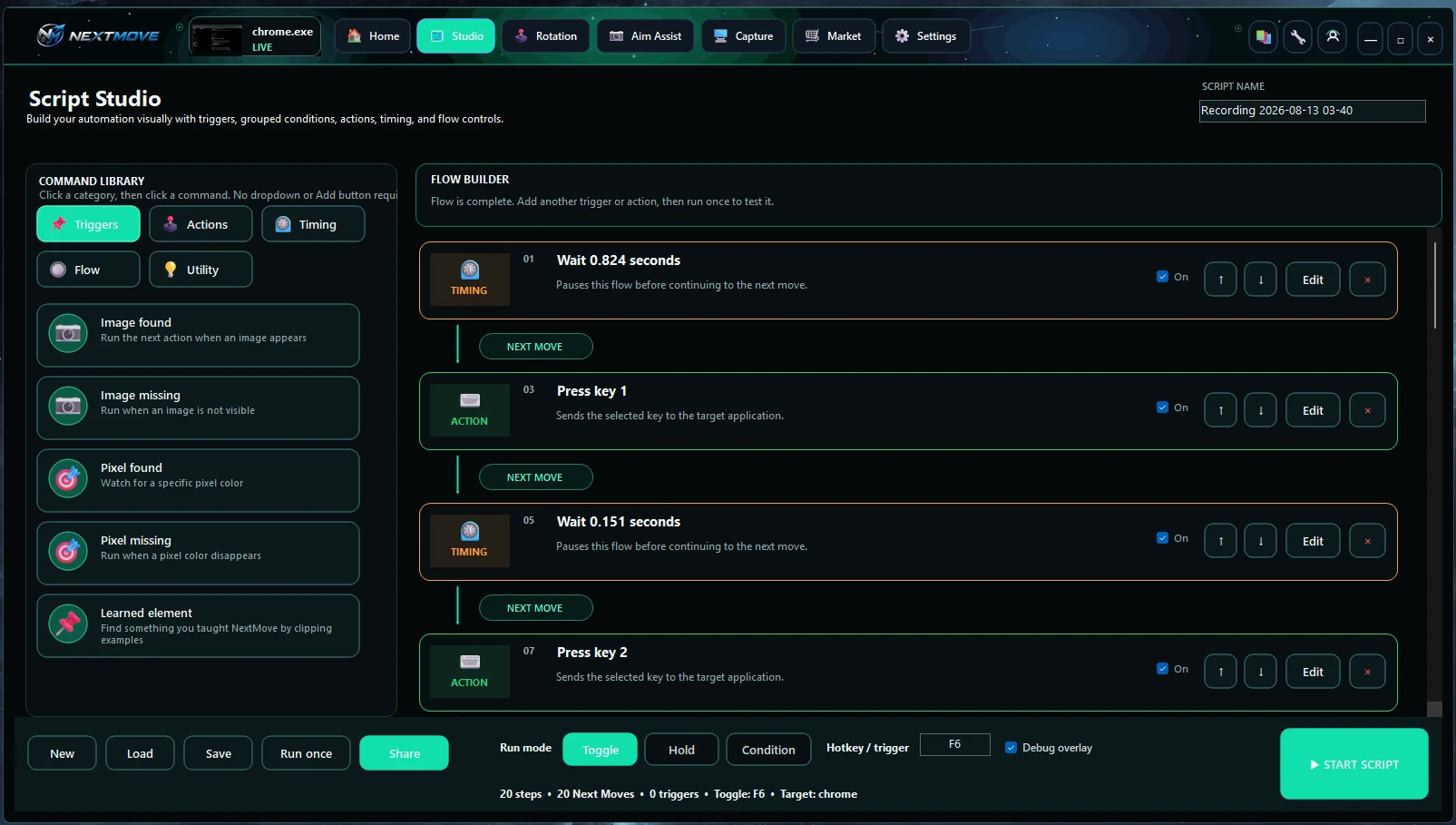
Build visual logic.
Triggers, actions, timing, conditions, run modes, hotkeys, and editable flow nodes.
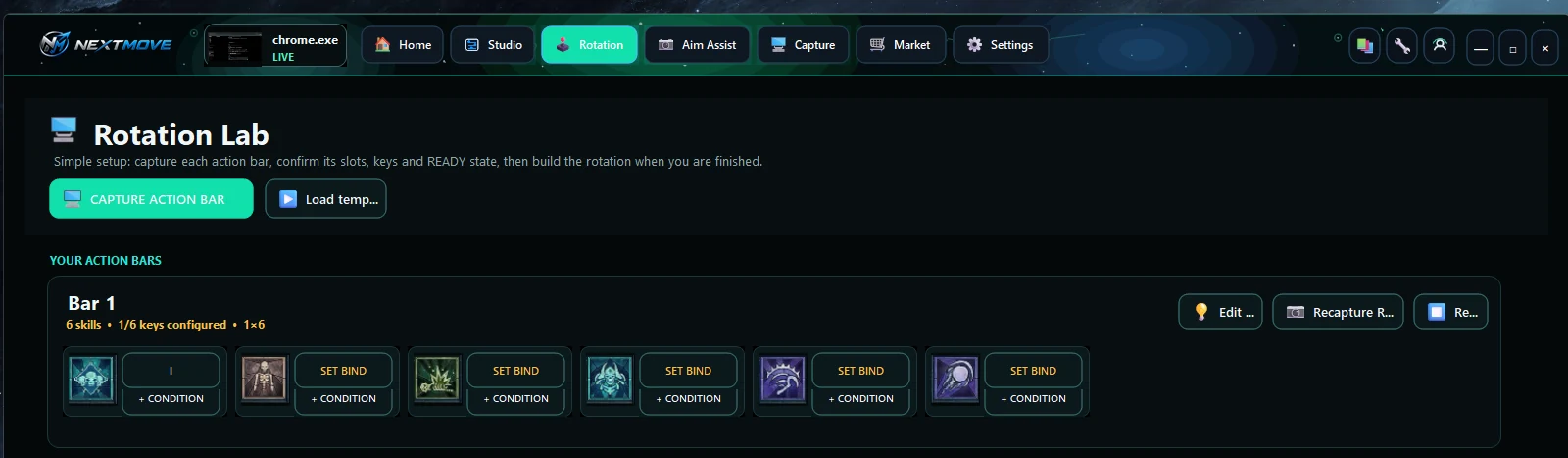
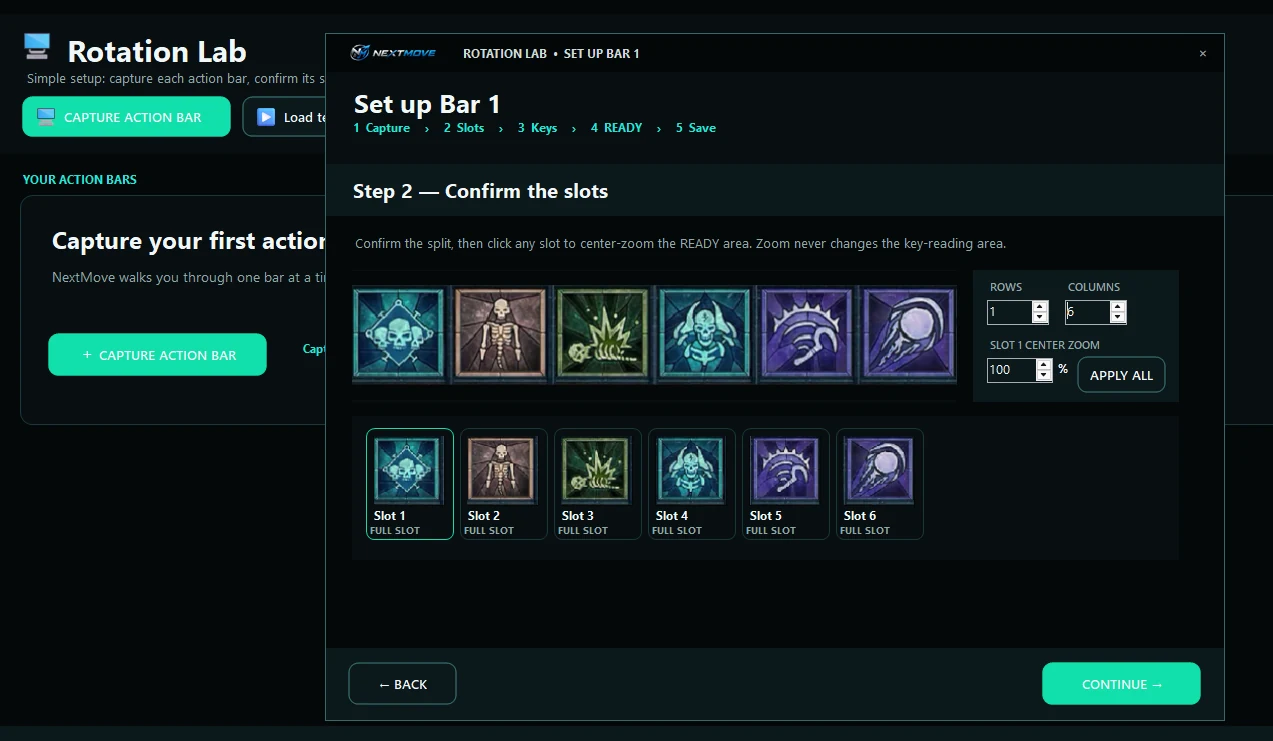
Turn bars into rotations.
Capture action bars, confirm slots, assign binds, and add per-skill conditions.
Tune vision your way.
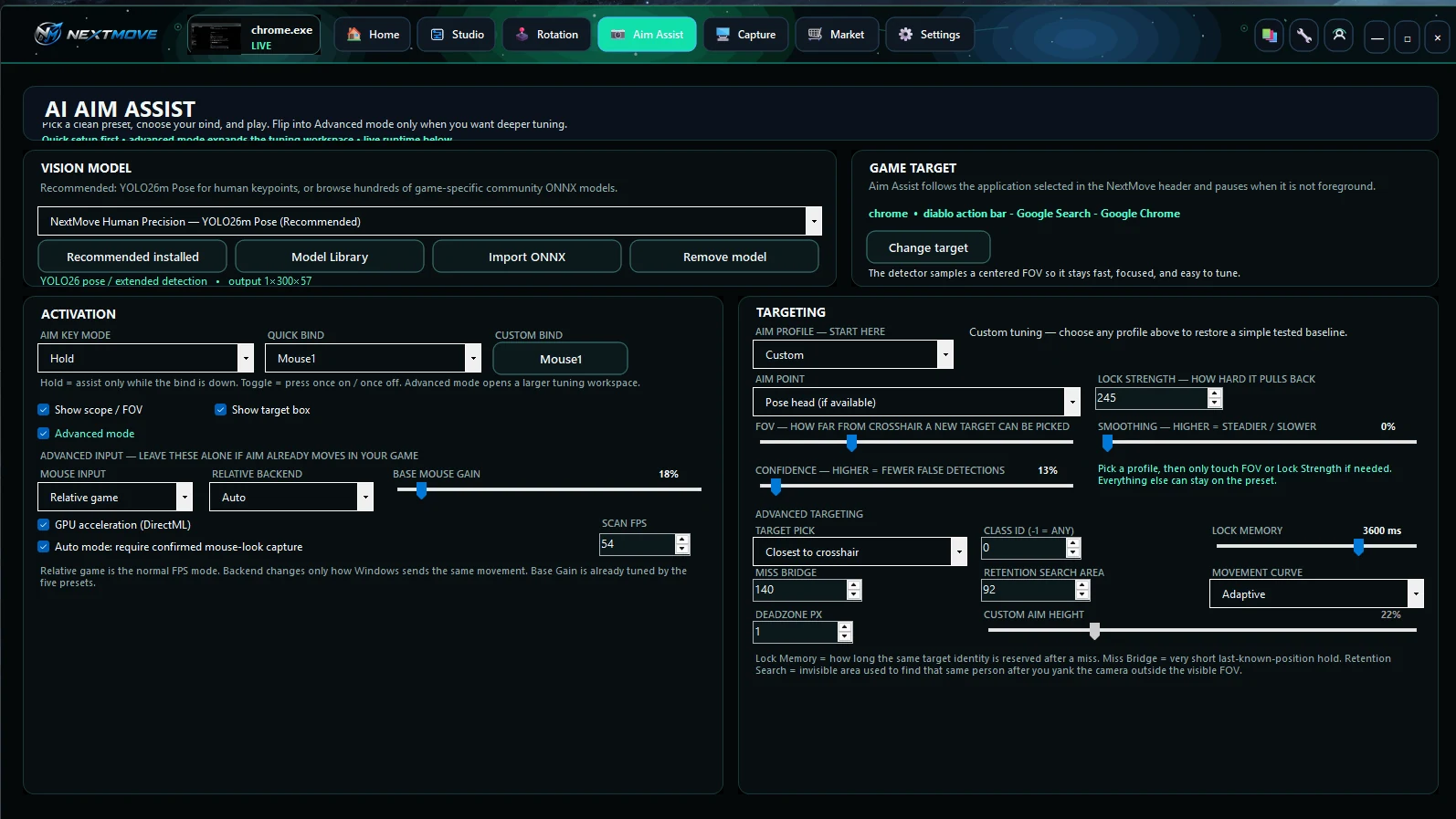
Model selection, FOV, confidence, retention, smoothing, targeting, and input behavior.
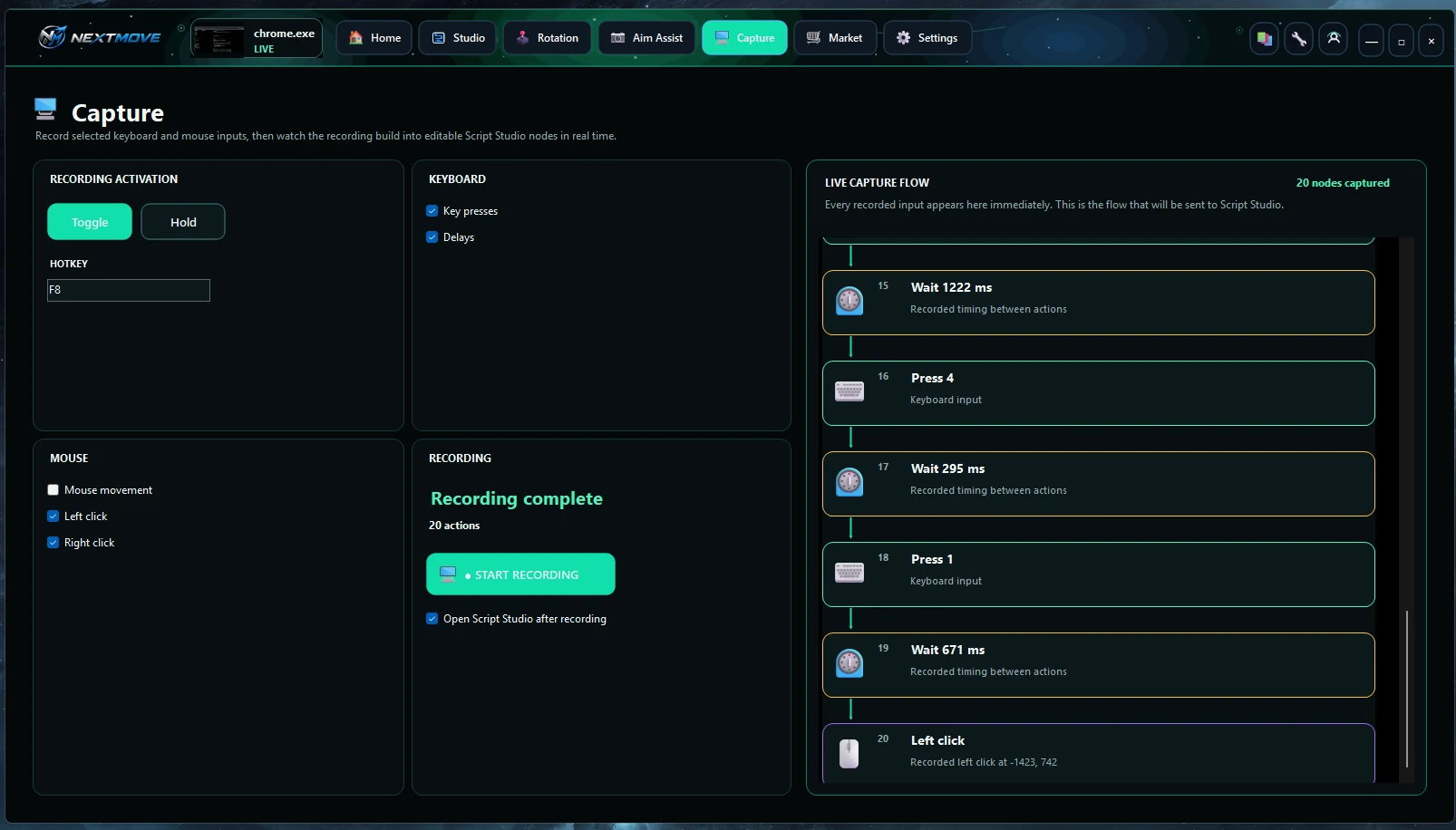
Record. Review. Edit.
Record keyboard and mouse input with real timing, then send the sequence into Studio.
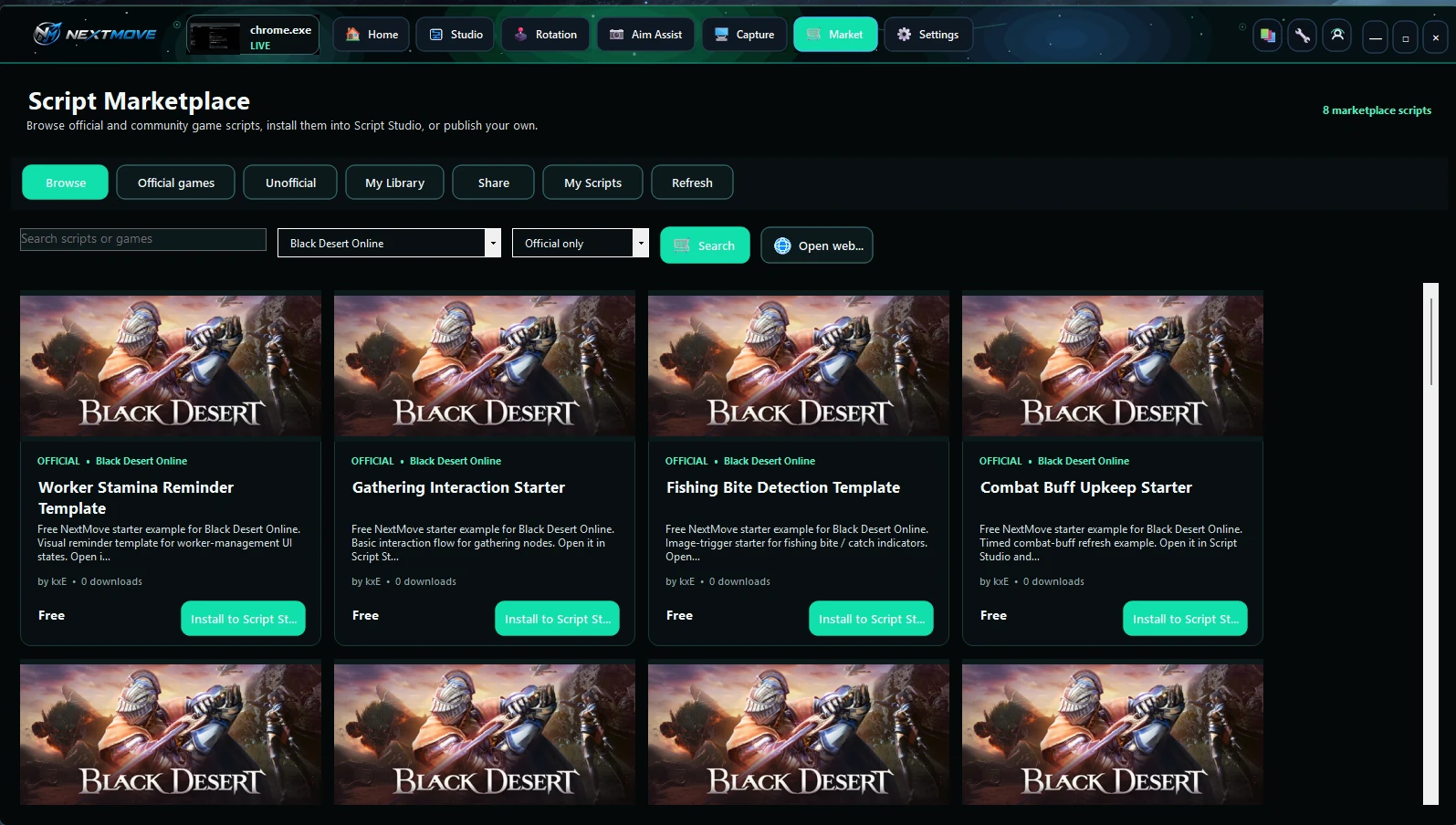
Install real starting points.
Browse game-specific scripts, install them into Studio, sync your library, or publish your own.
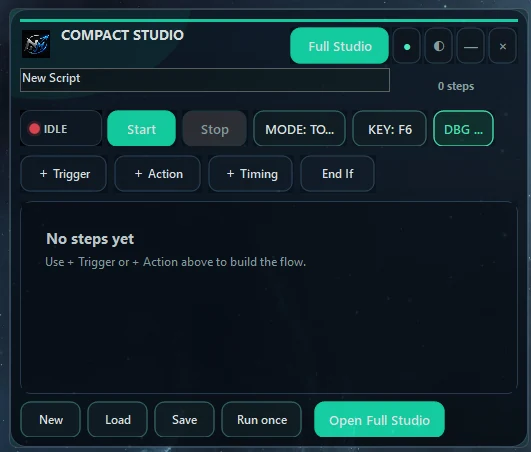
Keep controls beside the game.
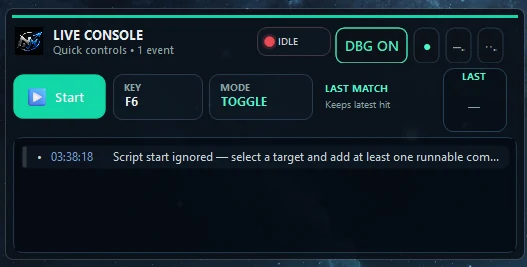
Use Compact Studio and Live Console without giving up the full workspace when you need it.
Record what you do.
Then make it smarter.
Capture turns keyboard presses, clicks, movement, and timing into a live sequence. Open it in Script Studio and every recorded step becomes editable logic.
Capture the action bar.
Build from what is actually there.
The setup wizard uses your real bar image, lets you confirm the row and column split, then turns each slot into a configurable skill with binds and conditions.
Browse supported games →No mystery sliders.
The tuning is right in front of you.
Choose a model and target process, then control activation, FOV, confidence, smoothing, retention, lock memory, target selection, and movement behavior.
See the game library →Scripts from the same ecosystem.
Install a starting point, customize it in Script Studio, keep it in your library, or publish your own work.
 OFFICIAL
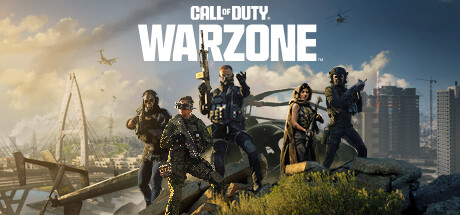
Call of Duty: Warzone FPS Starter
 OFFICIAL
Basic Class Auto Combat Starter
OFFICIALMelee Combo Starter
 OFFICIAL
Basic Class Auto Combat Starter
 OFFICIAL
Call of Duty: Black Ops 6 FPS Starter
 OFFICIAL
Fury Warrior Auto Combat Starter
Real screens.
Real workflows.
One command center.
Home, Compact Studio, Live Console, Rotation Lab, Capture, Aim Assist, Marketplace, and Settings all live in the same desktop product.


Build it your way.
Keep everything connected.
Visual automation, MMO workflows, FPS vision tools, Capture, scripts, models, and Marketplace access in one Windows platform.